Vault — End-to-end encrypted password manager · Your passwords, secure and only yours
 AI
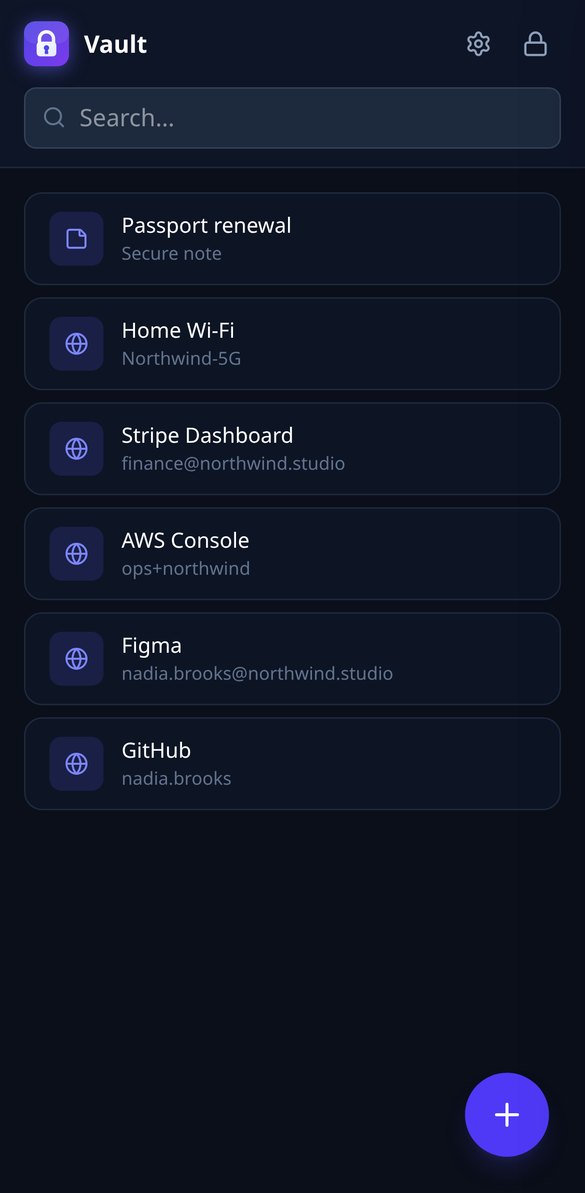
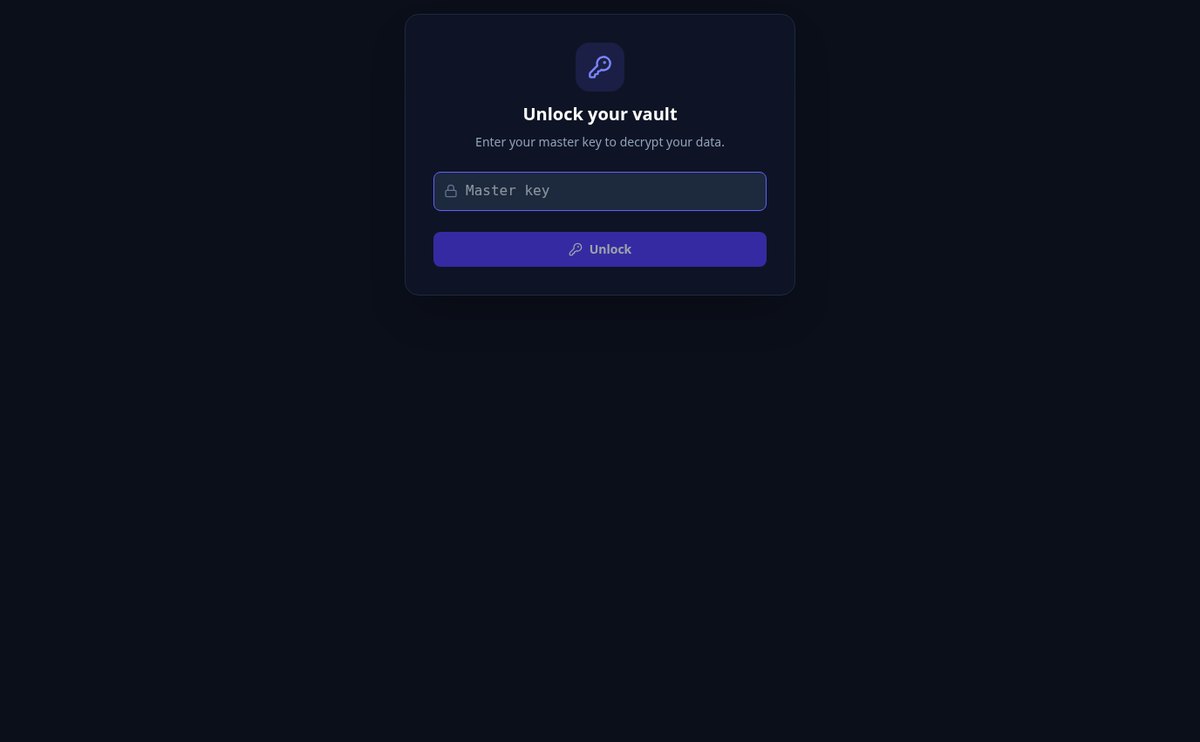
Vault stores your logins and notes encrypted with AES-256 on your own device. Your master key is never sent: the server only stores unreadable data, even in the event of a leak.
In the features that use AI, responses are generated by artificial intelligence and are not a substitute for professional advice.
Er det en kamp at forklare en proces skriftligt?
FlowBoard giver dig et grænseløst lærred, hvor du placerer former, noter og pile med magnetisk snap, beskriver processen for AI'en, så den tegner det første udkast, og tager det med som PNG, SVG, PDF eller Mermaid — eller præsenterer det ramme for ramme.
Start for free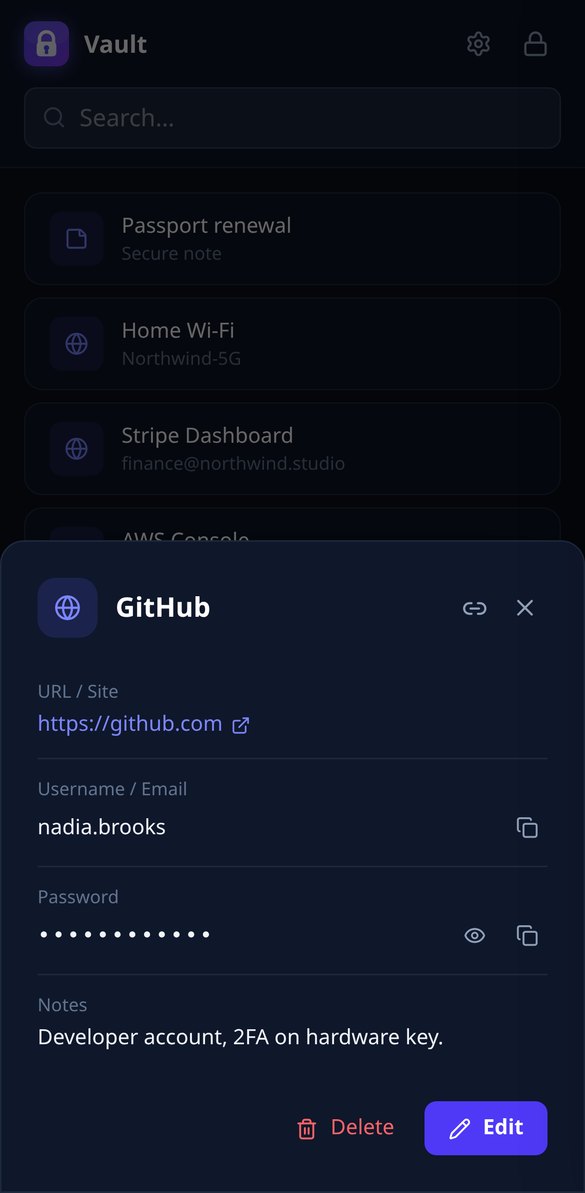
Discover every feature in detail
Password Manager with Zero-Knowledge AES-256 Encryption | Vault
Vault encrypts your passwords with AES-256-GCM in your browser and never sends your master password. Real end-to-end encryption: the server only stores unreadable data.
View feature
Password Manager with Auto-Lock on Inactivity | Vault
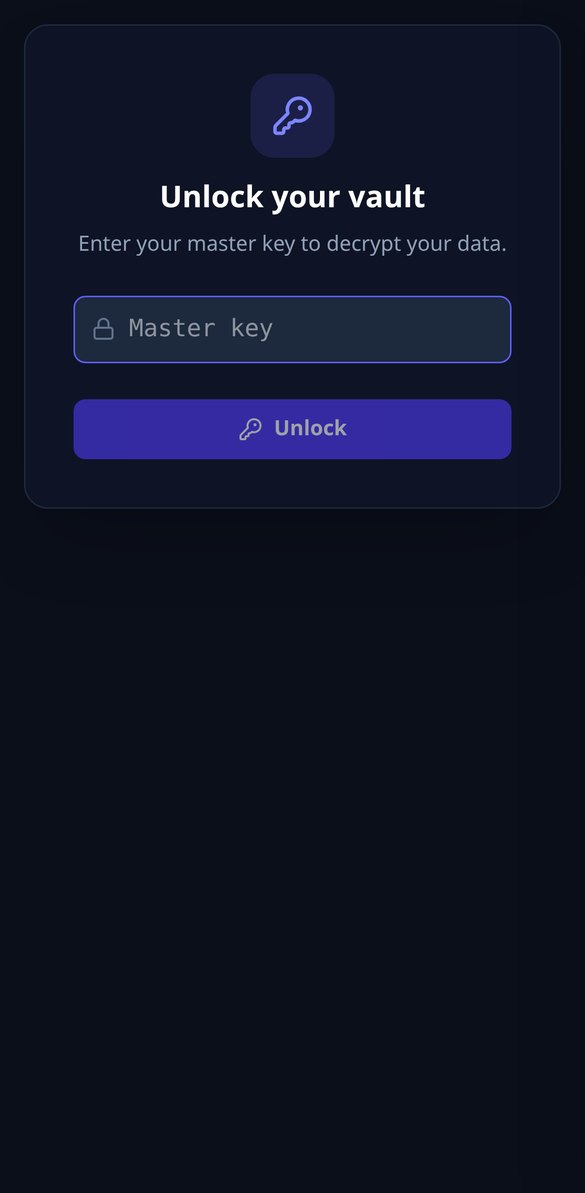
Vault locks your vault on its own after the minutes of inactivity you choose, from 1 to 120: it clears the key from memory and asks for your master password.
View feature
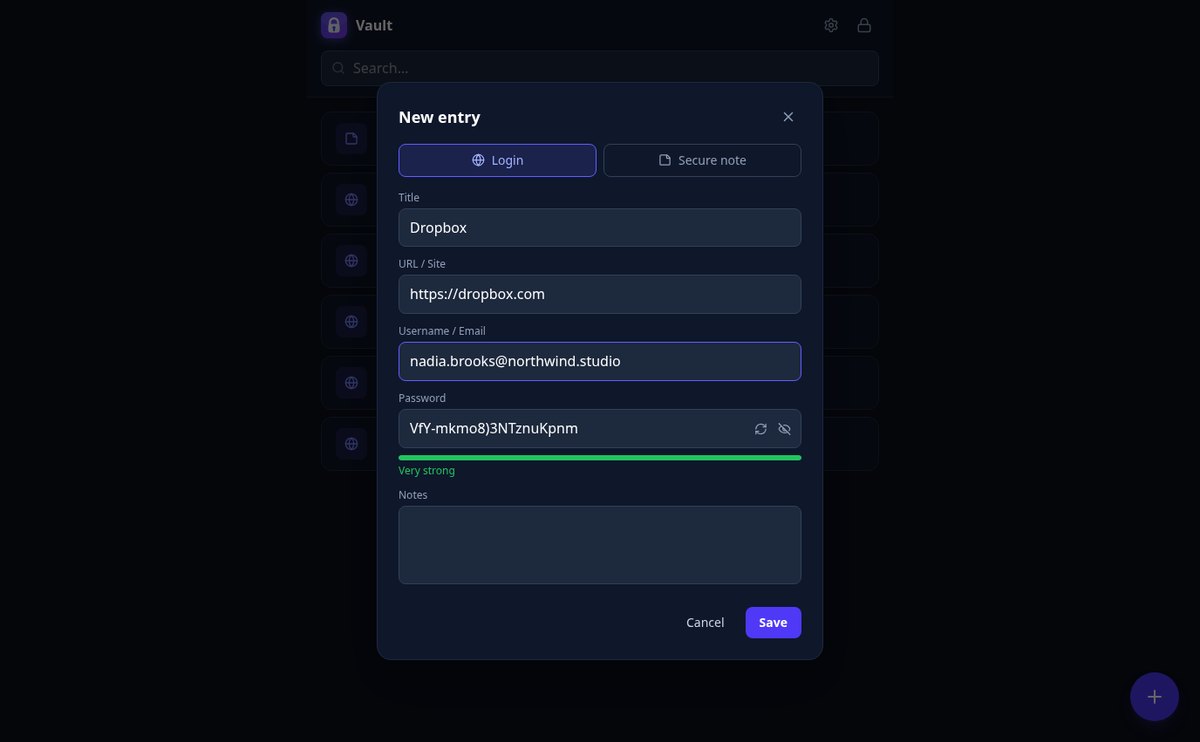
20-Character Secure Password Generator | Vault
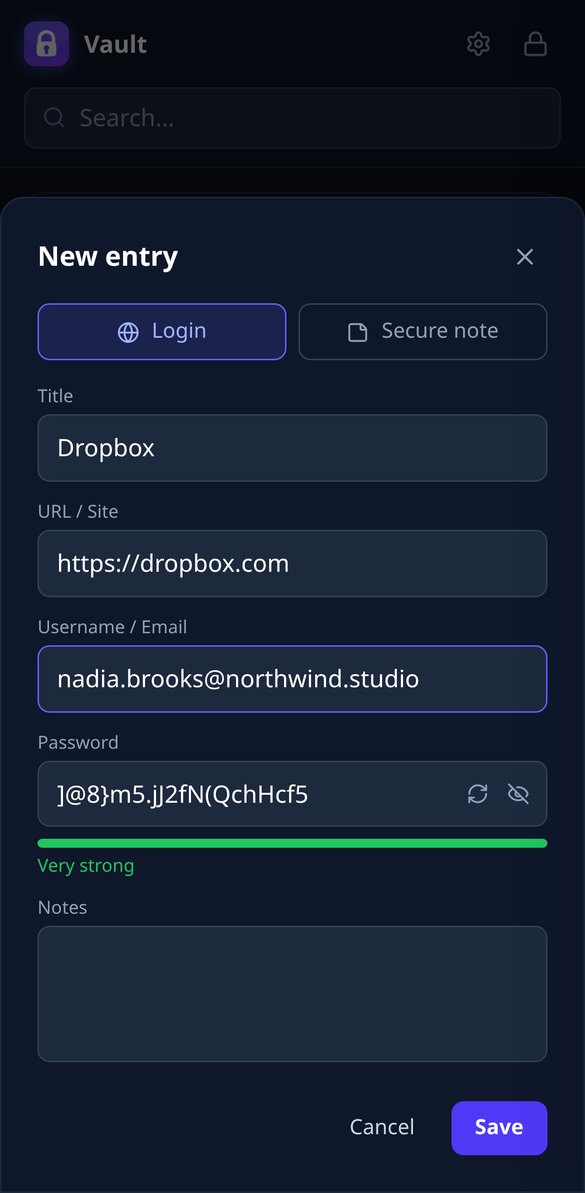
Generate random 20-character passwords with the browser's CSPRNG and save them encrypted with AES-256. One click, password strength meter, and zero submissions.
View feature
Automatically Clear Clipboard When Copying a Password | Vault
Vault clears the clipboard 30 seconds after copying a username or password. Automatic self-cleaning in the browser, with AES-256 end-to-end encryption.
View feature
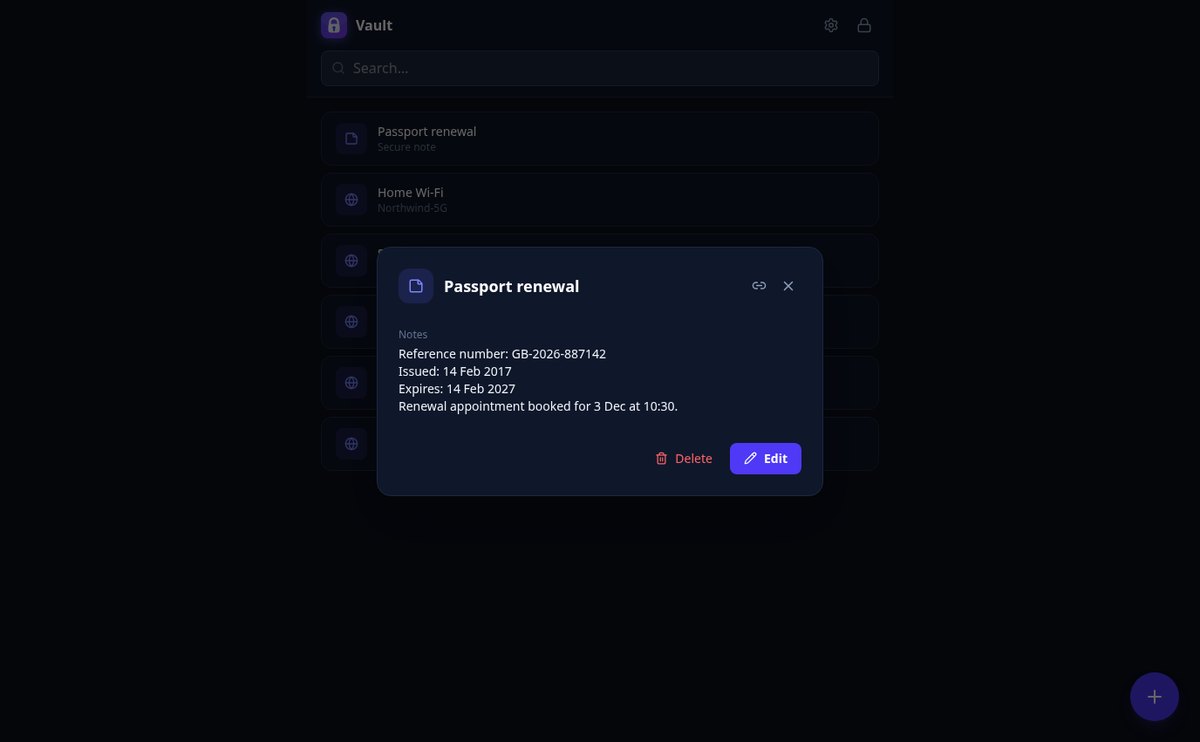
Direct Link to a Saved Password, Without Exposing It | Vault
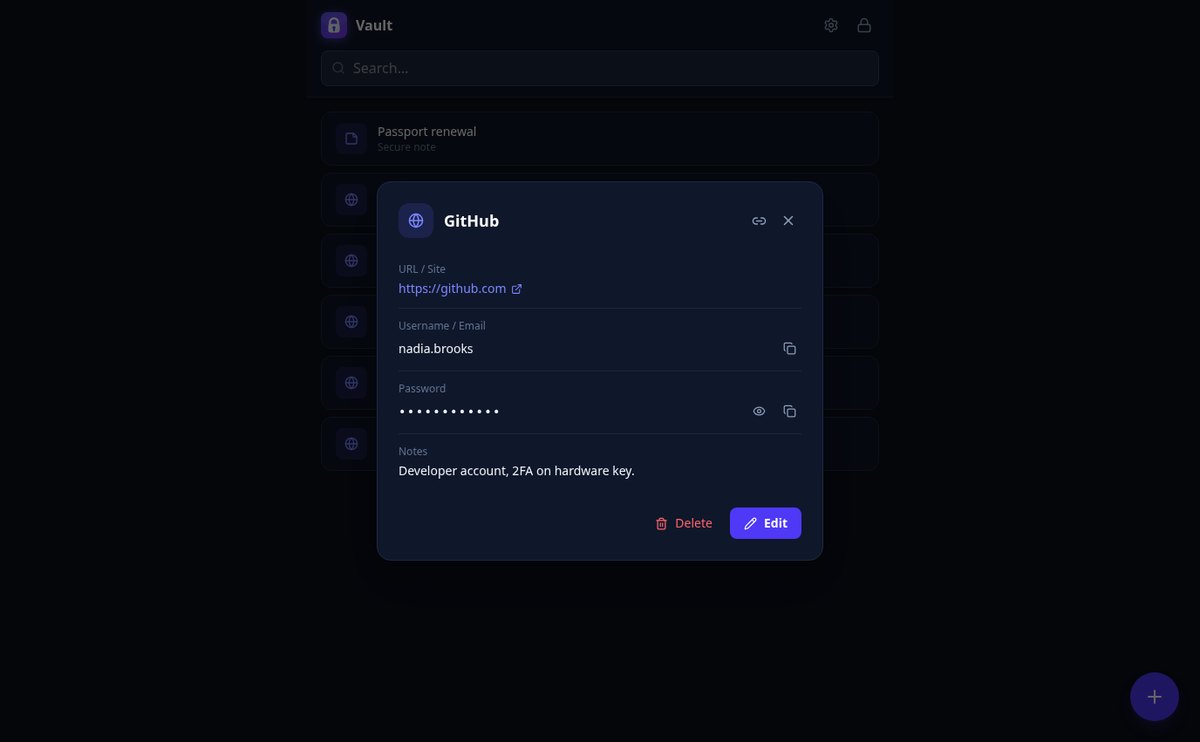
Vault links each entry by ID only: it opens the detail after you unlock, and without your master password it shows nothing. AES-256 encryption.
View feature
Password Manager whose server cannot decrypt your data | Vault
Vault only stores encrypted blobs (iv + ciphertext) on the server. AES-256 encryption happens in your browser, and the master password is never sent.
View featureReal security, without the hassle
En komplet editor til tavler og diagrammer, uden at installere noget.

Zero-knowledge encryption
Your master key derives the key in the browser with PBKDF2 (310,000 iterations) and encrypts each entry with AES-256-GCM. It never leaves your device or is stored anywhere.
Logins and secure notes
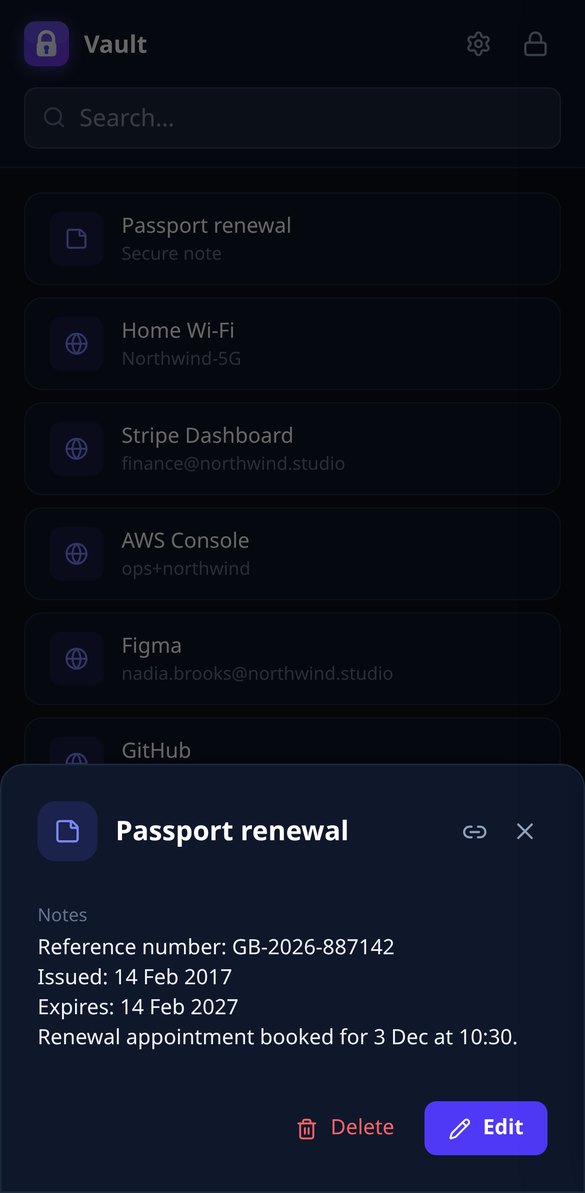
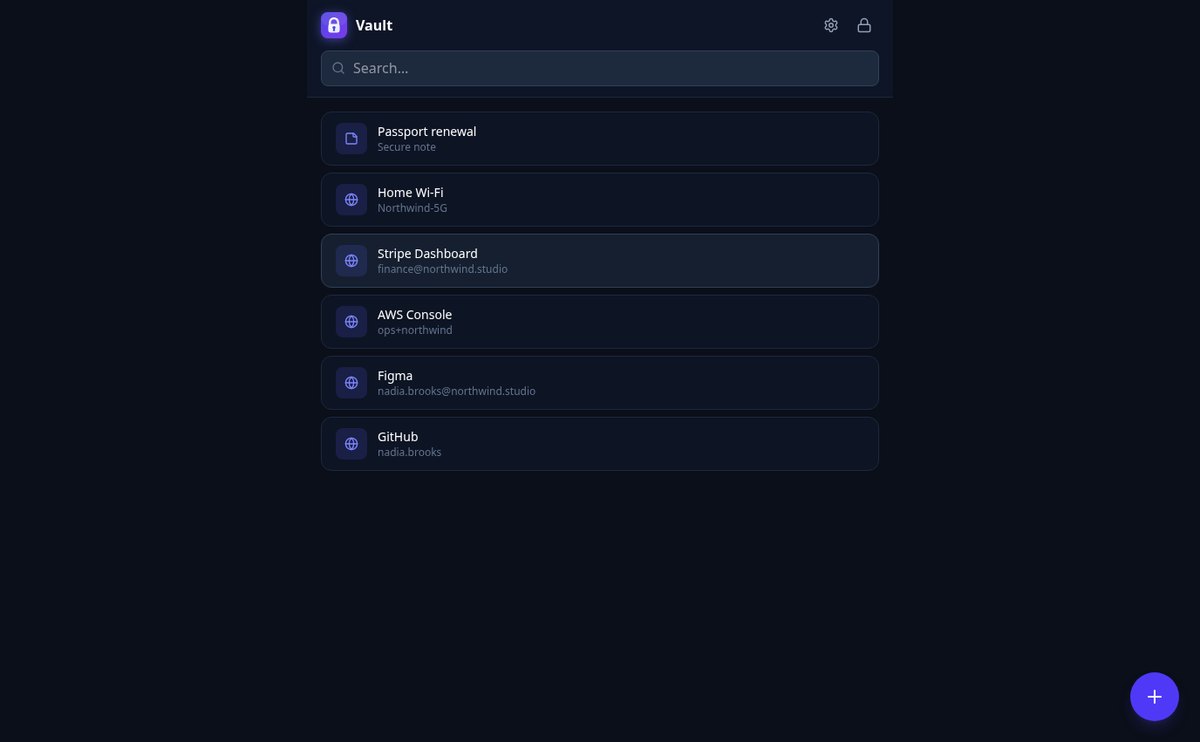
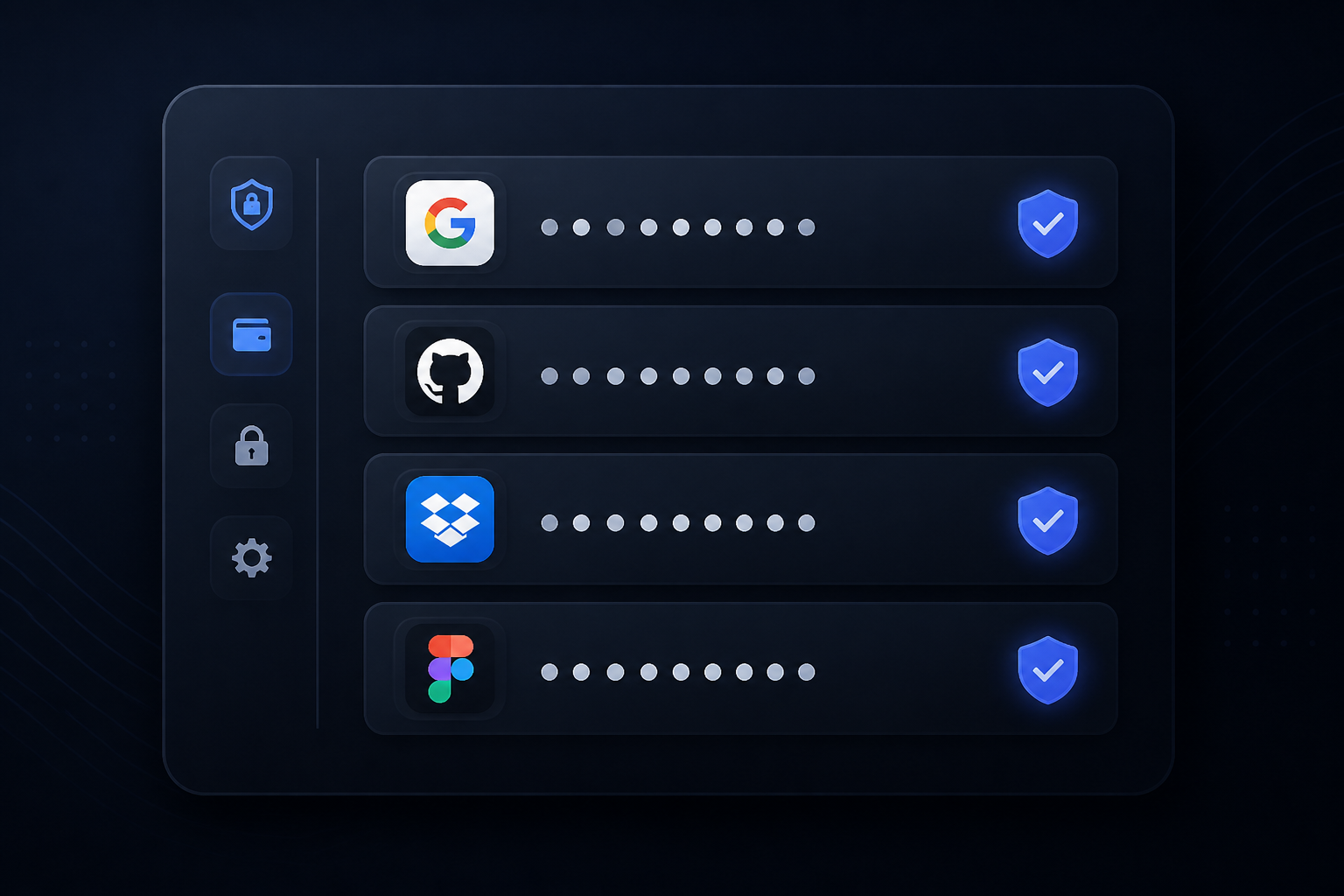
Save site, username, password, and notes in each login, or create encrypted notes for PINs and keys. With instant search and a strong password generator.
Auto-lock
The vault locks itself after the minutes of inactivity you choose, you can lock it instantly, and what you copy is erased from the clipboard after 30 seconds.
Get started in three steps
Opret en konto
Opret din konto på få sekunder.
Åbn en skabelon
Begynd med en tom tavle eller en af de seks skabeloner: rutediagram, kanban, retrospektiv, organisationsdiagram eller customer journey.
Tegn, eksportér eller præsentér
Placér former og noter, forbind dem, og tag det med som PNG, SVG, PDF, JSON eller Mermaid — eller vis det i fuld skærm i præsentationstilstand.
Frequently Asked Questions
Latest blog articles
Guides and news to get more out of it

Your password manager's encrypted vault has been stolen: what to do, step by step
The encrypted database of your password manager has been stolen: what is exposed, how offline cracking works, and the step-by-step action plan.
Is it safe to store passwords in the browser? What really protects you and where to store them best
Chrome, Firefox and Safari encrypt your passwords, but not against a program running as you. What each one protects and what an encrypted manager changes.
Keep your passwords safe today
Opret din konto gratis, og begynd at tegne på lærredet på under et minut.